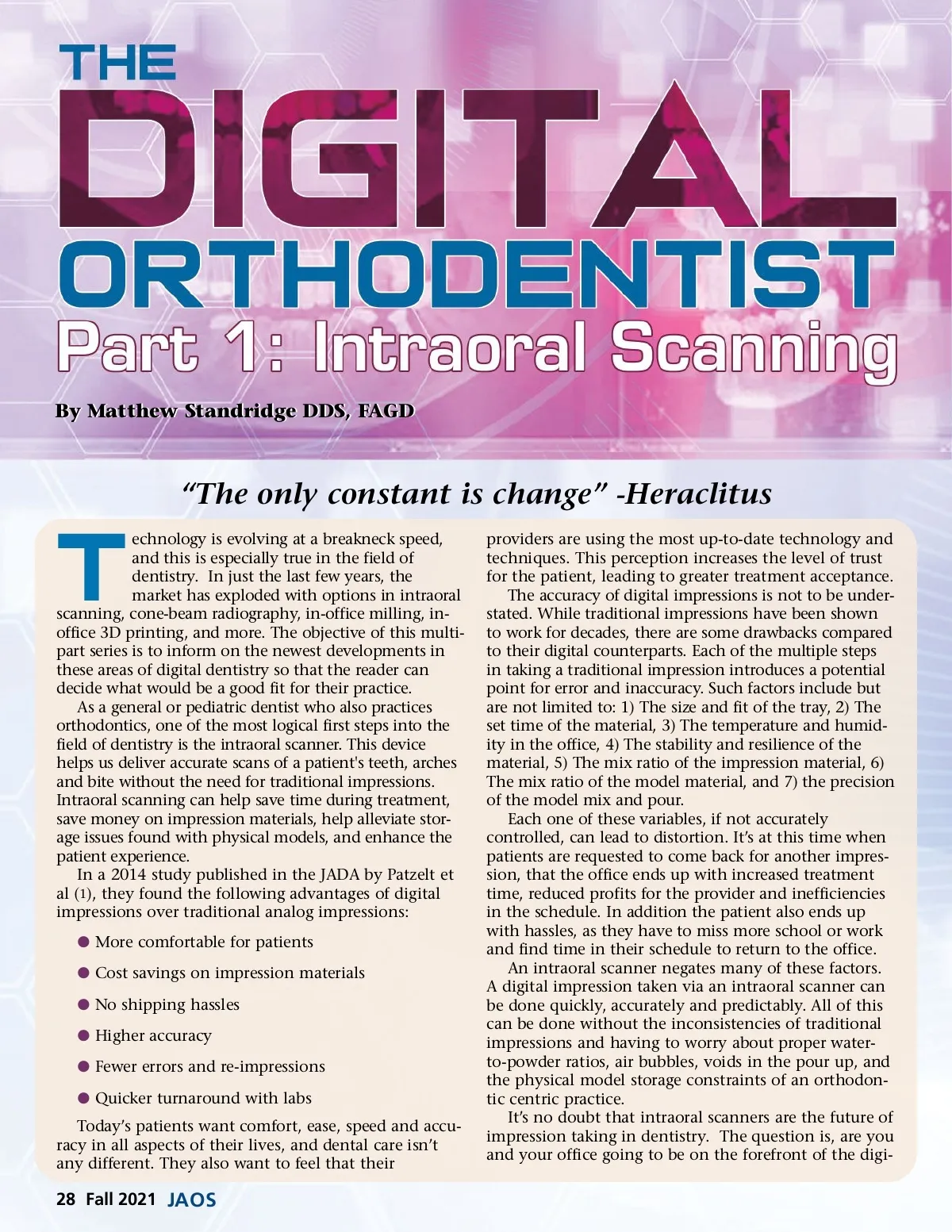
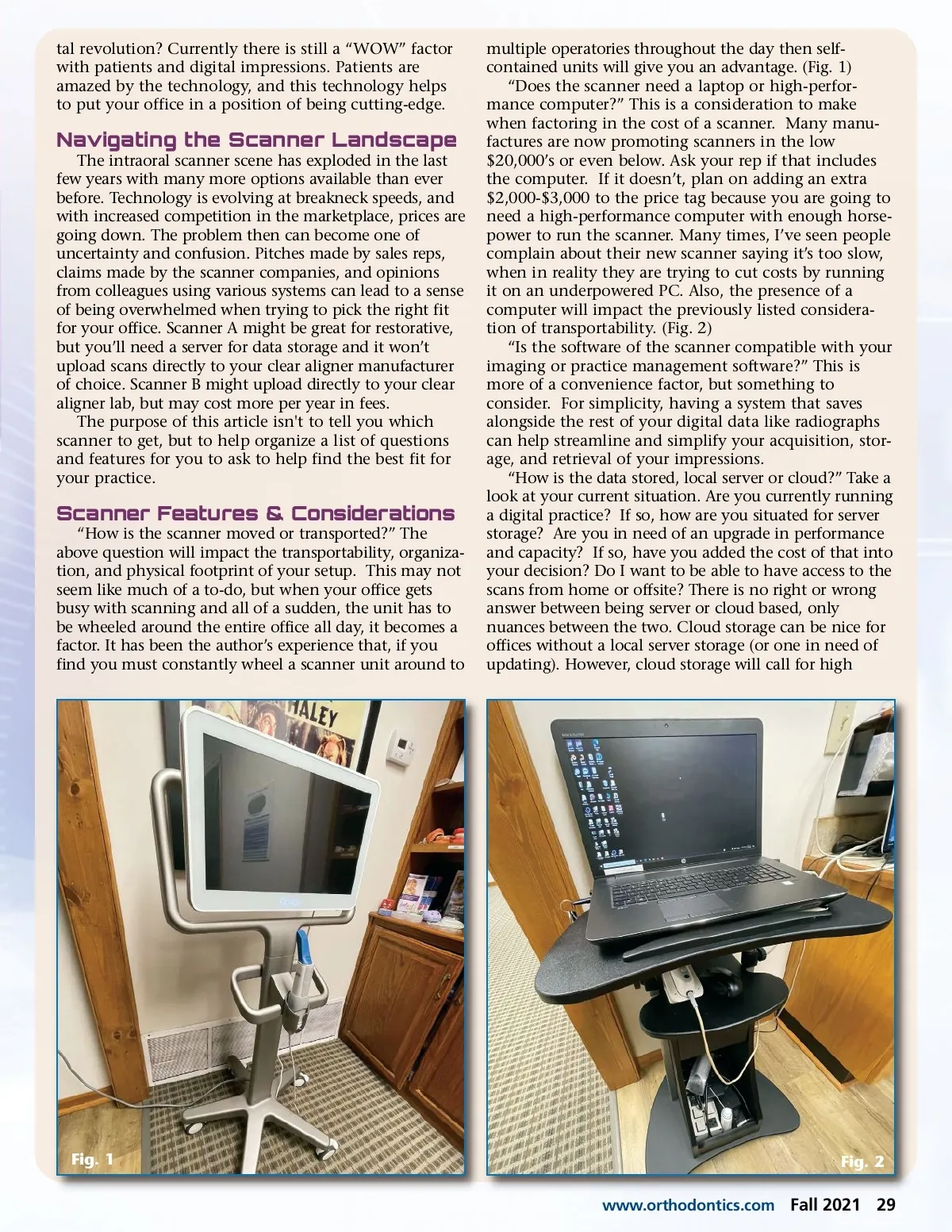
tal revolution? Currently there is still a “WOW” factor with patients and digital impressions. Patients are amazed by the technology, and this technology helps to put your office in a position of being cutting-edge. Navigating the Scanner Landscape The intraoral scanner scene has exploded in the last few years with many more options available than ever before. Technology is evolving at breakneck speeds, and with increased competition in the marketplace, prices are going down. The problem then can become one of uncertainty and confusion. Pitches made by sales reps, claims made by the scanner companies, and opinions from colleagues using various systems can lead to a sense of being overwhelmed when trying to pick the right fit for your office. Scanner A might be great for restorative, but you’ll need a server for data storage and it won’t upload scans directly to your clear aligner manufacturer of choice. Scanner B might upload directly to your clear aligner lab, but may cost more per year in fees. The purpose of this article isn't to tell you which scanner to get, but to help organize a list of questions and features for you to ask to help find the best fit for your practice. Scanner Features & Considerations “How is the scanner moved or transported?” The above question will impact the transportability, organiza-tion, and physical footprint of your setup. This may not seem like much of a to-do, but when your office gets busy with scanning and all of a sudden, the unit has to be wheeled around the entire office all day, it becomes a factor. It has been the author’s experience that, if you find you must constantly wheel a scanner unit around to multiple operatories throughout the day then self-contained units will give you an advantage. (Fig. 1) “Does the scanner need a laptop or high-perfor-mance computer?” This is a consideration to make when factoring in the cost of a scanner. Many manu-factures are now promoting scanners in the low $20,000’s or even below. Ask your rep if that includes the computer. If it doesn’t, plan on adding an extra $2,000-$3,000 to the price tag because you are going to need a high-performance computer with enough horse-power to run the scanner. Many times, I’ve seen people complain about their new scanner saying it’s too slow, when in reality they are trying to cut costs by running it on an underpowered PC. Also, the presence of a computer will impact the previously listed considera-tion of transportability. (Fig. 2) “Is the software of the scanner compatible with your imaging or practice management software?” This is more of a convenience factor, but something to consider. For simplicity, having a system that saves alongside the rest of your digital data like radiographs can help streamline and simplify your acquisition, stor-age, and retrieval of your impressions. “How is the data stored, local server or cloud?” Take a look at your current situation. Are you currently running a digital practice? If so, how are you situated for server storage? Are you in need of an upgrade in performance and capacity? If so, have you added the cost of that into your decision? Do I want to be able to have access to the scans from home or offsite? There is no right or wrong answer between being server or cloud based, only nuances between the two. Cloud storage can be nice for offices without a local server storage (or one in need of updating). However, cloud storage will call for high Fig. 1 www.orthodontics.com Fig. 2 Fall 2021 29
Journal of the American Orthodontic Society Fall 2021: Page 29