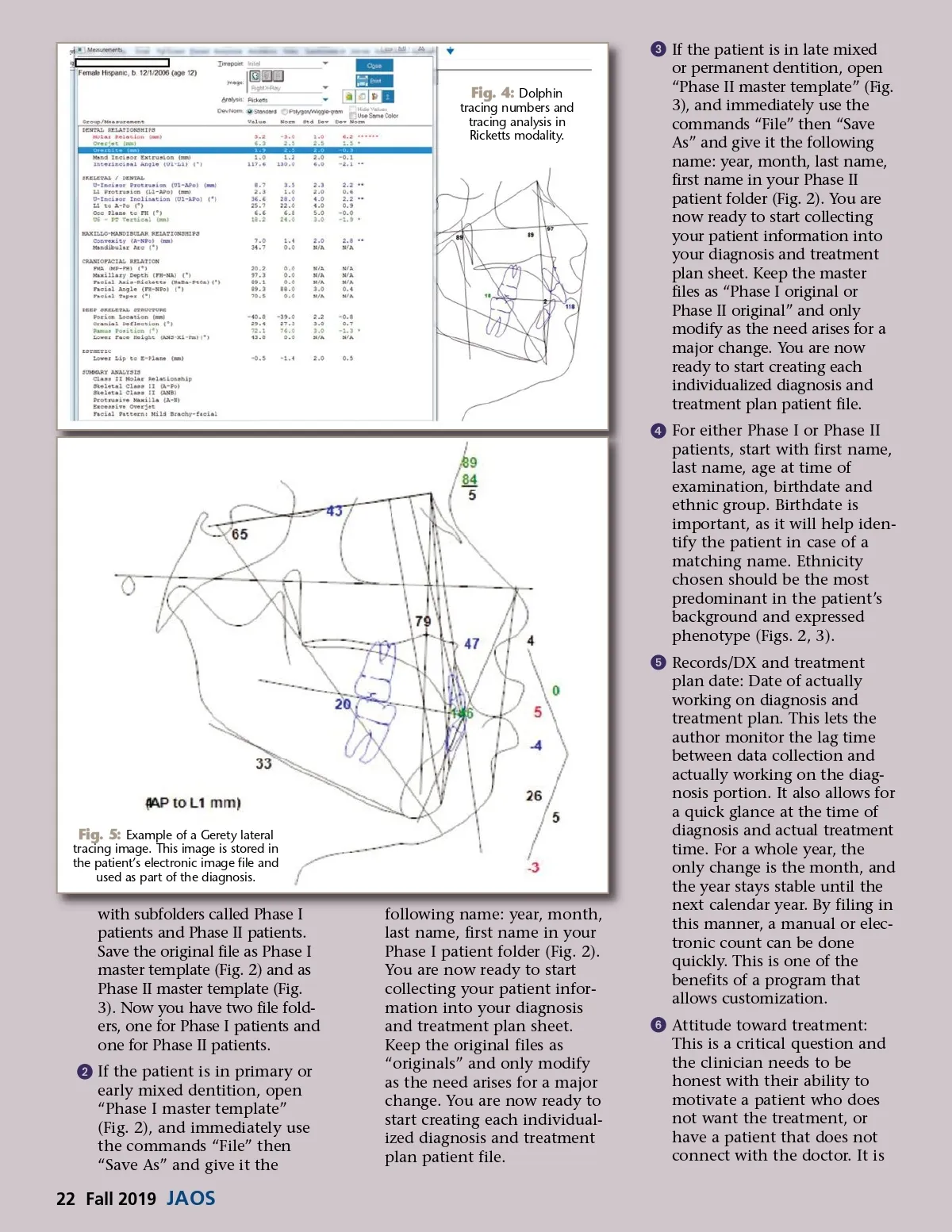
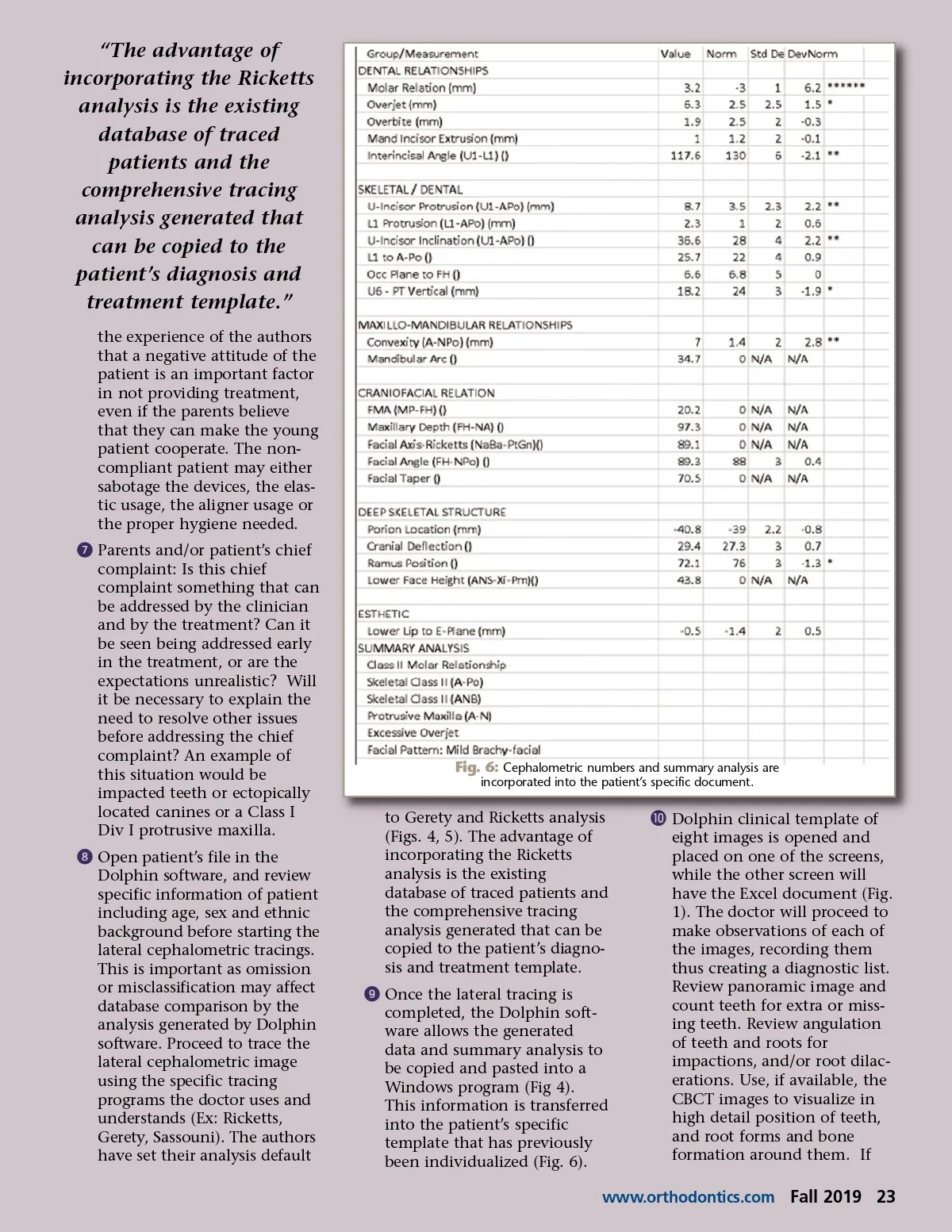
Fig. 4: Dolphin tracing numbers and tracing analysis in Ricketts modality. ᕣ If the patient is in late mixed or permanent dentition, open “Phase II master template” (Fig. 3), and immediately use the commands “File” then “Save As” and give it the following name: year, month, last name, first name in your Phase II patient folder (Fig. 2). You are now ready to start collecting your patient information into your diagnosis and treatment plan sheet. Keep the master files as “Phase I original or Phase II original” and only modify as the need arises for a major change. You are now ready to start creating each individualized diagnosis and treatment plan patient file. ᕤ For either Phase I or Phase II patients, start with first name, last name, age at time of examination, birthdate and ethnic group. Birthdate is important, as it will help iden-tify the patient in case of a matching name. Ethnicity chosen should be the most predominant in the patient’s background and expressed phenotype (Figs. 2, 3). ᕥ Records/DX and treatment plan date: Date of actually working on diagnosis and treatment plan. This lets the author monitor the lag time between data collection and actually working on the diag-nosis portion. It also allows for a quick glance at the time of diagnosis and actual treatment time. For a whole year, the only change is the month, and the year stays stable until the next calendar year. By filing in this manner, a manual or elec-tronic count can be done quickly. This is one of the benefits of a program that allows customization. ᕦ Attitude toward treatment: This is a critical question and the clinician needs to be honest with their ability to motivate a patient who does not want the treatment, or have a patient that does not connect with the doctor. It is Fig. 5: Example of a Gerety lateral tracing image. This image is stored in the patient’s electronic image file and used as part of the diagnosis. with subfolders called Phase I patients and Phase II patients. Save the original file as Phase I master template (Fig. 2) and as Phase II master template (Fig. 3). Now you have two file fold-ers, one for Phase I patients and one for Phase II patients. ᕢ If the patient is in primary or early mixed dentition, open “Phase I master template” (Fig. 2), and immediately use the commands “File” then “Save As” and give it the following name: year, month, last name, first name in your Phase I patient folder (Fig. 2). You are now ready to start collecting your patient infor-mation into your diagnosis and treatment plan sheet. Keep the original files as “originals” and only modify as the need arises for a major change. You are now ready to start creating each individual-ized diagnosis and treatment plan patient file. 22 Fall 2019 JAOS
Journal of the American Orthodontic Society Fall 2019: Page 22