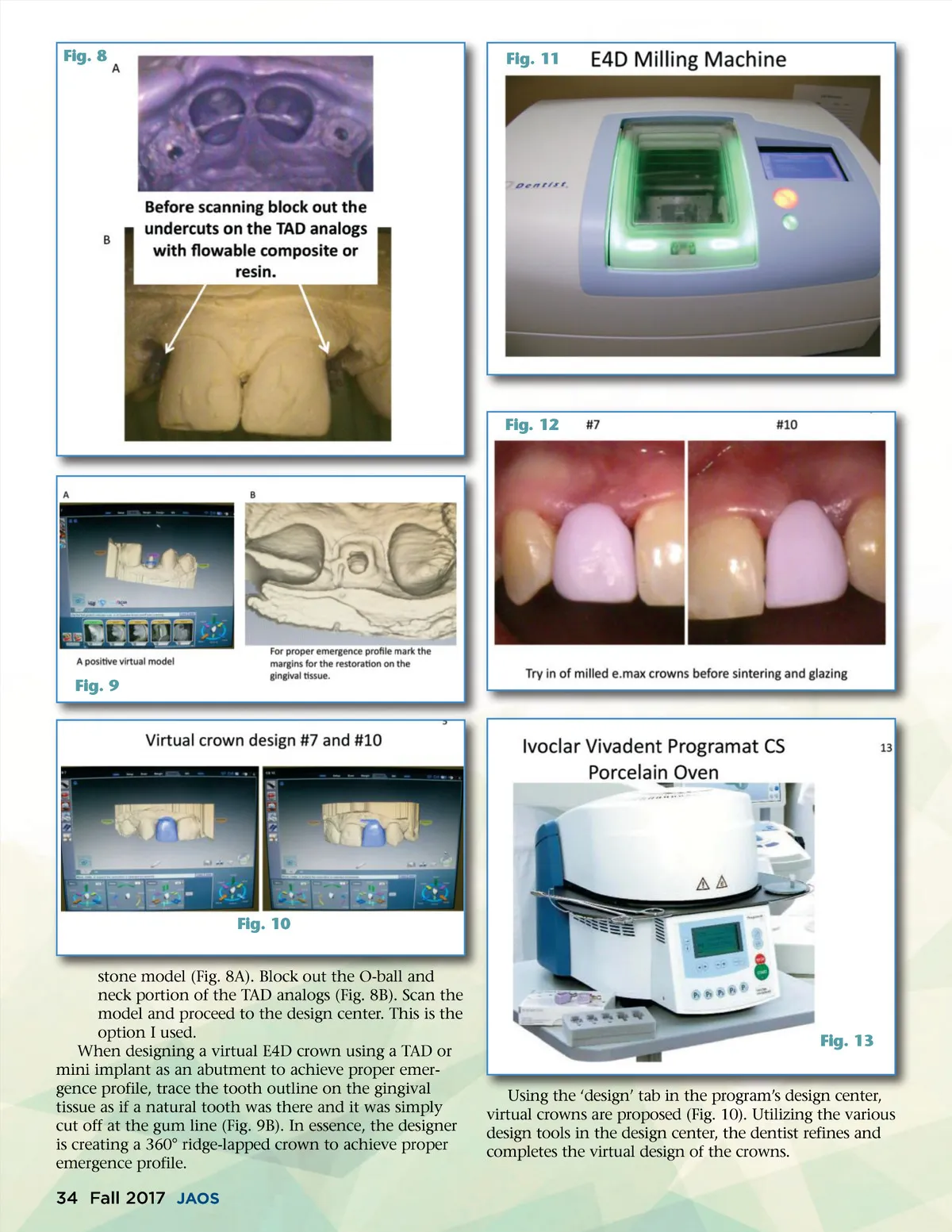
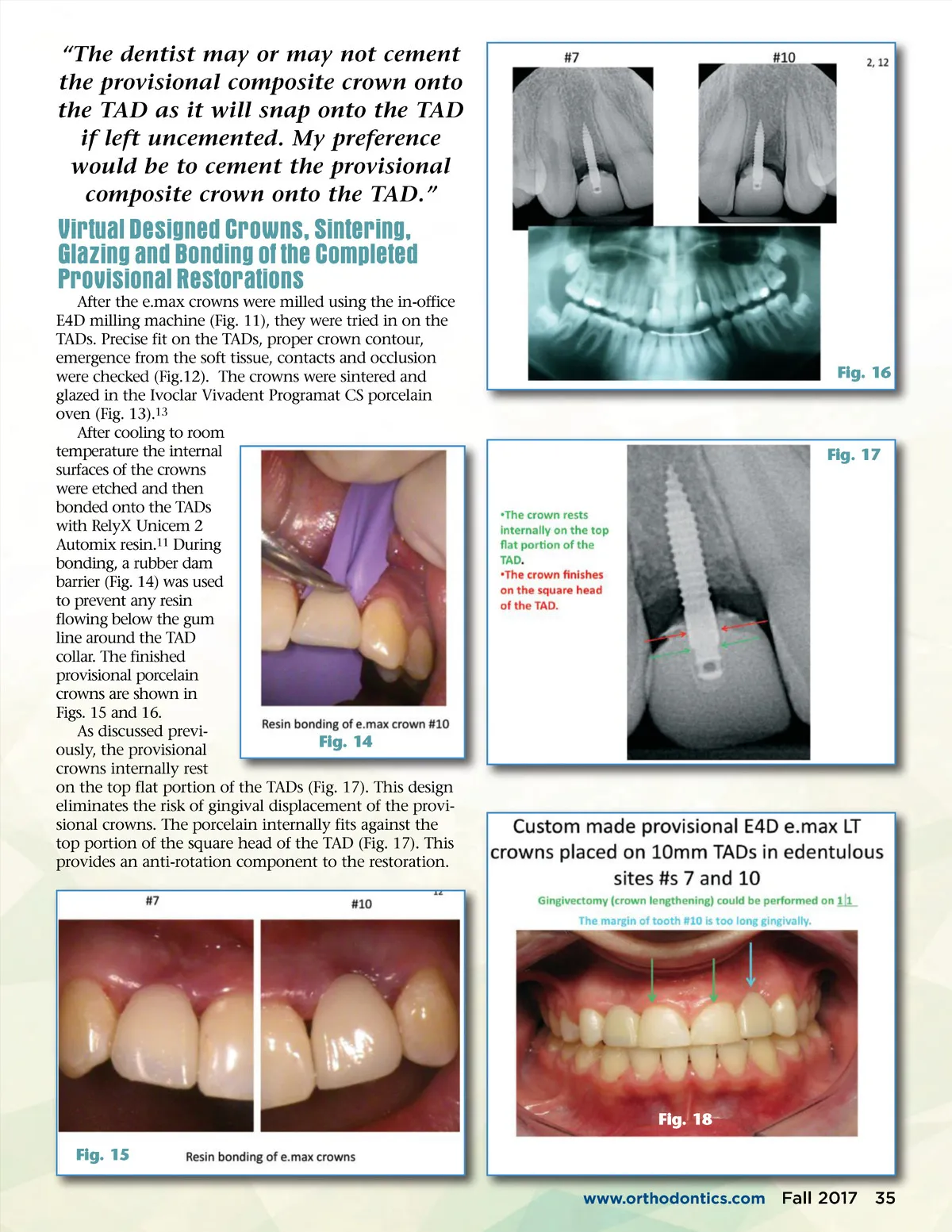
Fig. 8 Fig. 11 Fig. 12 Fig. 9 Fig. 10 stone model (Fig. 8A). Block out the O-ball and neck portion of the TAD analogs (Fig. 8B). Scan the model and proceed to the design center. This is the option I used. When designing a virtual E4D crown using a TAD or mini implant as an abutment to achieve proper emer-gence profile, trace the tooth outline on the gingival tissue as if a natural tooth was there and it was simply cut off at the gum line (Fig. 9B). In essence, the designer is creating a 360° ridge-lapped crown to achieve proper emergence profile. Fig. 13 Using the ‘design’ tab in the program’s design center, virtual crowns are proposed (Fig. 10). Utilizing the various design tools in the design center, the dentist refines and completes the virtual design of the crowns. 34 Fall 2017 JAOS
Journal of the American Orthodontic Society Fall 2017: Page 34