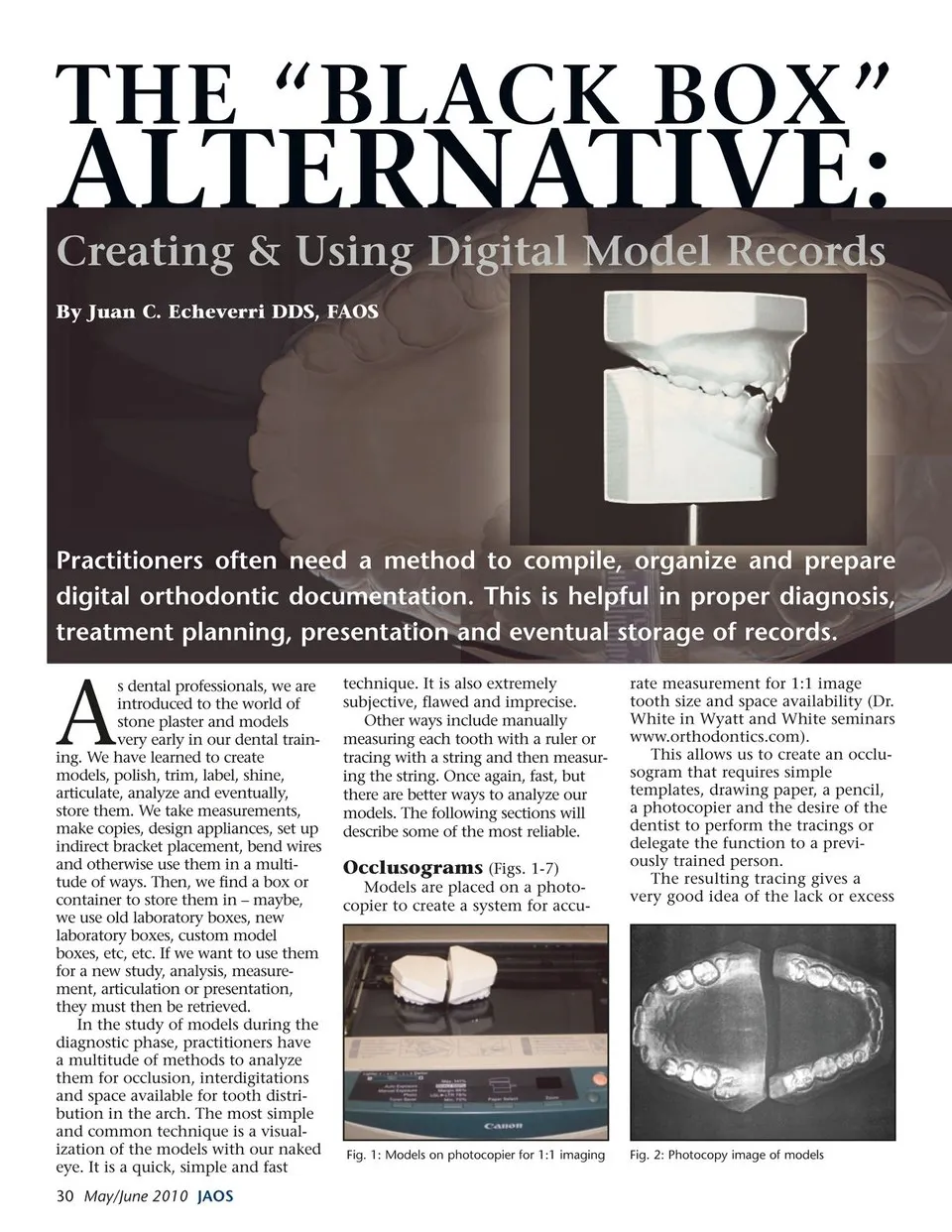
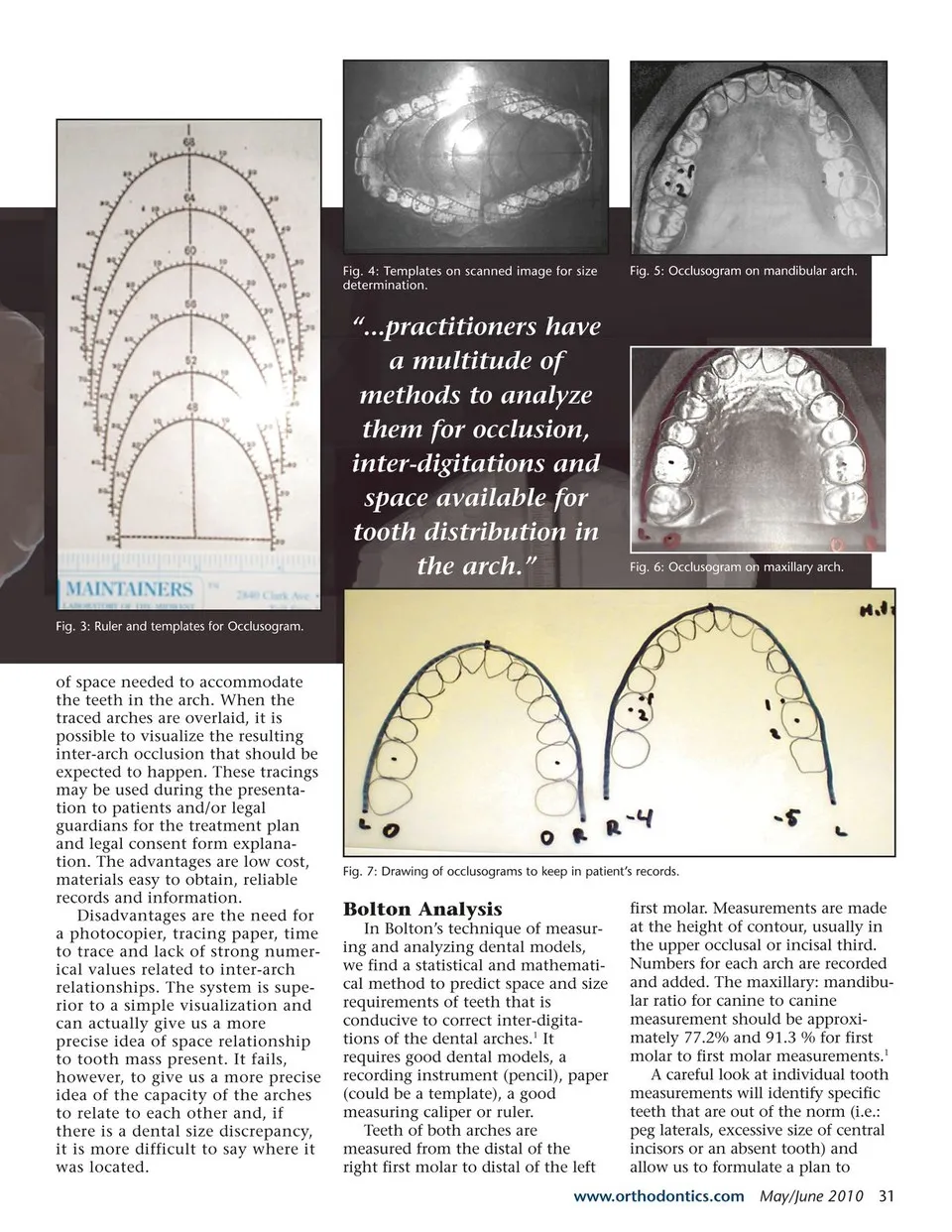
THE “BLACK BOX” ALTERNATIVE: Creating & Using Digital Model Records By Juan C. Echeverri DDS, FAOS Practitioners often need a method to compile, organize and prepare digital orthodontic documentation. This is helpful in proper diagnosis, treatment planning, presentation and eventual storage of records. A s dental professionals, we are introduced to the world of stone plaster and models very early in our dental train- ing. We have learned to create models, polish, trim, label, shine, articulate, analyze and eventually, store them. We take measurements, make copies, design appliances, set up indirect bracket placement, bend wires and otherwise use them in a multi- tude of ways. Then, we find a box or container to store them in – maybe, we use old laboratory boxes, new laboratory boxes, custom model boxes, etc, etc. If we want to use them for a new study, analysis, measure- ment, articulation or presentation, they must then be retrieved. In the study of models during the diagnostic phase, practitioners have a multitude of methods to analyze them for occlusion, interdigitations and space available for tooth distri- bution in the arch. The most simple and common technique is a visual- ization of the models with our naked eye. It is a quick, simple and fast 30 May/June 2010 JAOS technique. It is also extremely subjective, flawed and imprecise. Other ways include manually measuring each tooth with a ruler or tracing with a string and then measur- ing the string. Once again, fast, but there are better ways to analyze our models. The following sections will describe some of the most reliable. Occlusograms (Figs. 1-7) Models are placed on a photo- copier to create a system for accu- rate measurement for 1:1 image tooth size and space availability (Dr. White in Wyatt and White seminars www.orthodontics.com). This allows us to create an occlu- sogram that requires simple templates, drawing paper, a pencil, a photocopier and the desire of the dentist to perform the tracings or delegate the function to a previ- ously trained person. The resulting tracing gives a very good idea of the lack or excess Fig. 1: Models on photocopier for 1:1 imaging Fig. 2: Photocopy image of models
Journal of the American Orthodontic Society May-June 2010: Page 30