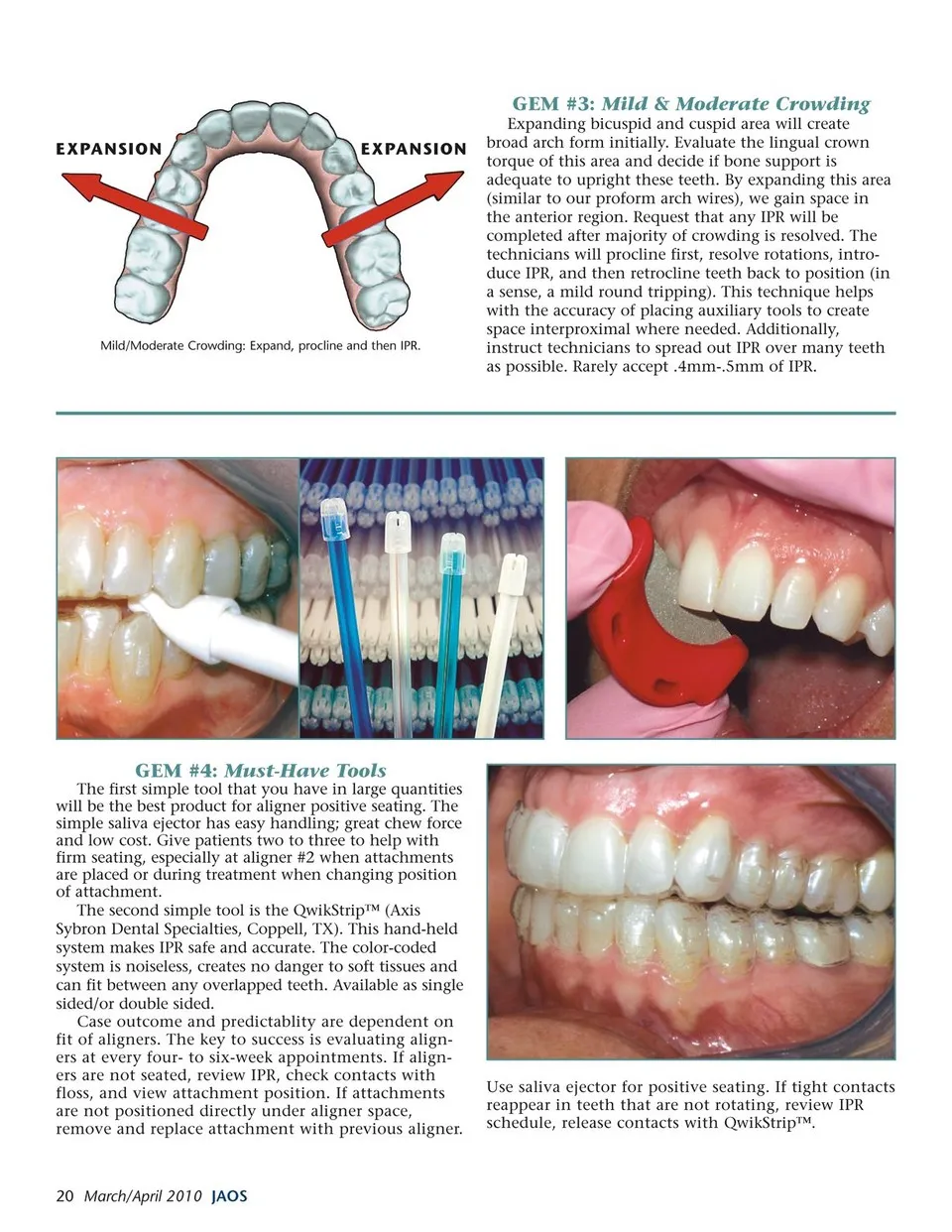
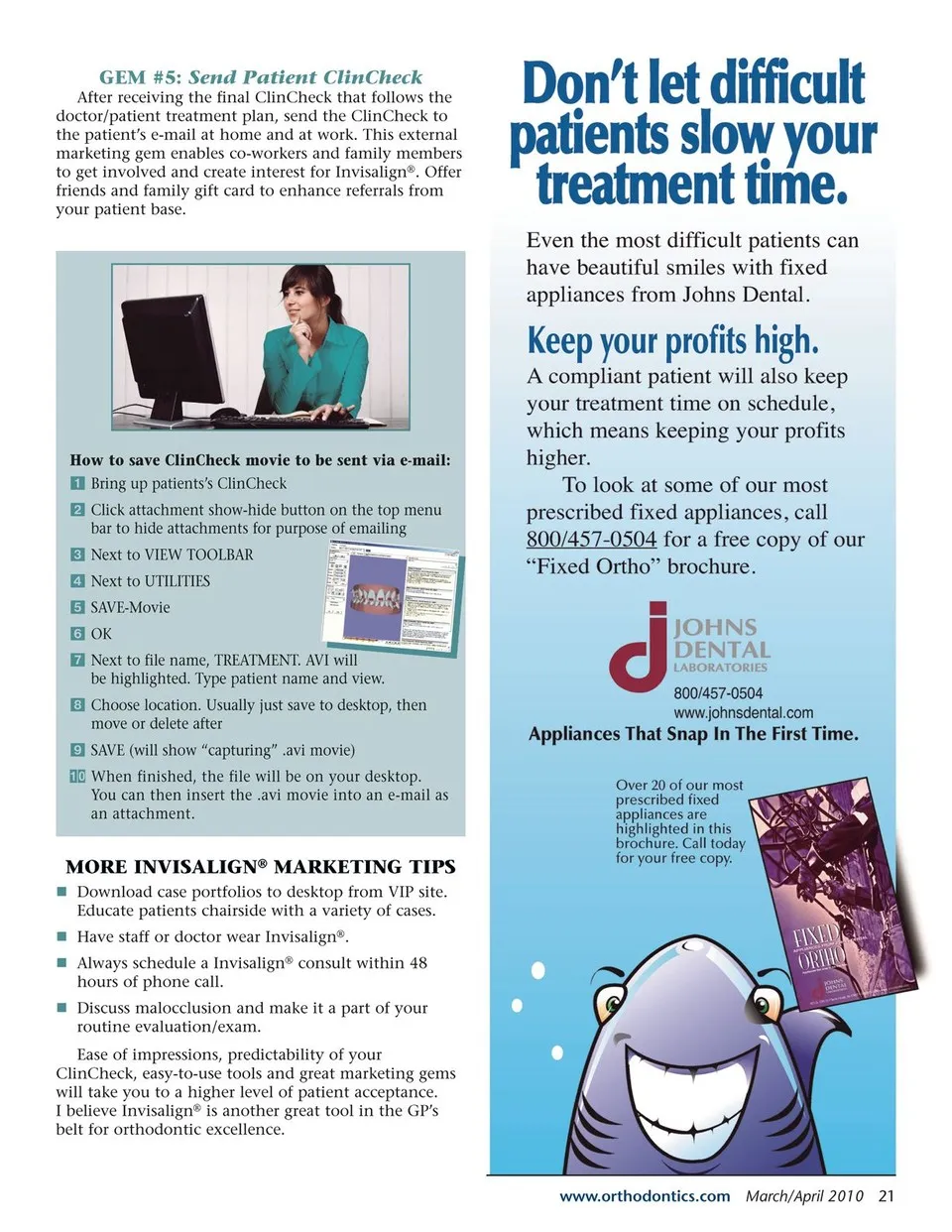
GEM #5: Send Patient ClinCheck After receiving the final ClinCheck that follows the doctor/patient treatment plan, send the ClinCheck to the patient’s e-mail at home and at work. This external marketing gem enables co-workers and family members to get involved and create interest for Invisalign®. Offer friends and family gift card to enhance referrals from your patient base. How to save ClinCheck movie to be sent via e-mail: Bring up patients’s ClinCheck Click attachment show-hide button on the top menu bar to hide attachments for purpose of emailing Next to VIEW TOOLBAR Next to UTILITIES SAVE-Movie OK Next to file name, TREATMENT. AVI will be highlighted. Type patient name and view. Choose location. Usually just save to desktop, then move or delete after SAVE (will show “capturing” .avi movie) When finished, the file will be on your desktop. You can then insert the .avi movie into an e-mail as an attachment. MORE INVISALIGN® MARKETING TIPS n Download case portfolios to desktop from VIP site. Educate patients chairside with a variety of cases. n Have staff or doctor wear Invisalign®. n Always schedule a Invisalign® consult within 48 hours of phone call. n Discuss malocclusion and make it a part of your routine evaluation/exam. Ease of impressions, predictability of your ClinCheck, easy-to-use tools and great marketing gems will take you to a higher level of patient acceptance. I believe Invisalign® is another great tool in the GP’s belt for orthodontic excellence. www.orthodontics.com March/April 2010 21
Journal of the American Orthodontic Society March - April 2010: Page 21